We know that custom values are incredibly useful for automating a variety of actions and customising content across a wide range of elements, including web pages, emails, documents, and much more. These custom values allow for a tailored experience that meets the specific needs of users or businesses.
However, it is important to note that there are certain custom values that have been specifically created for the purpose of visual customisation. These values can enhance the aesthetic appeal of your content and ensure that it aligns with your branding and design preferences.
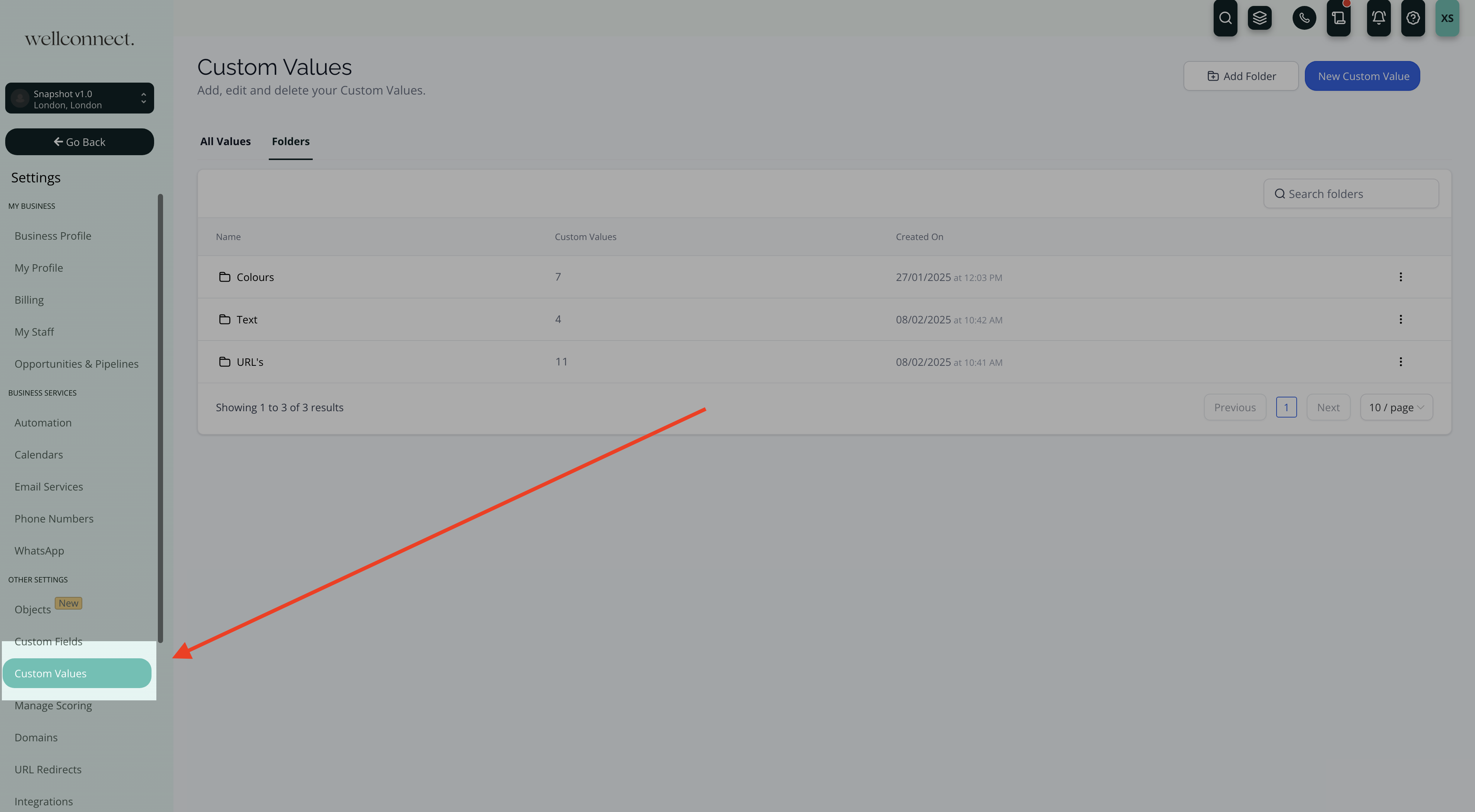
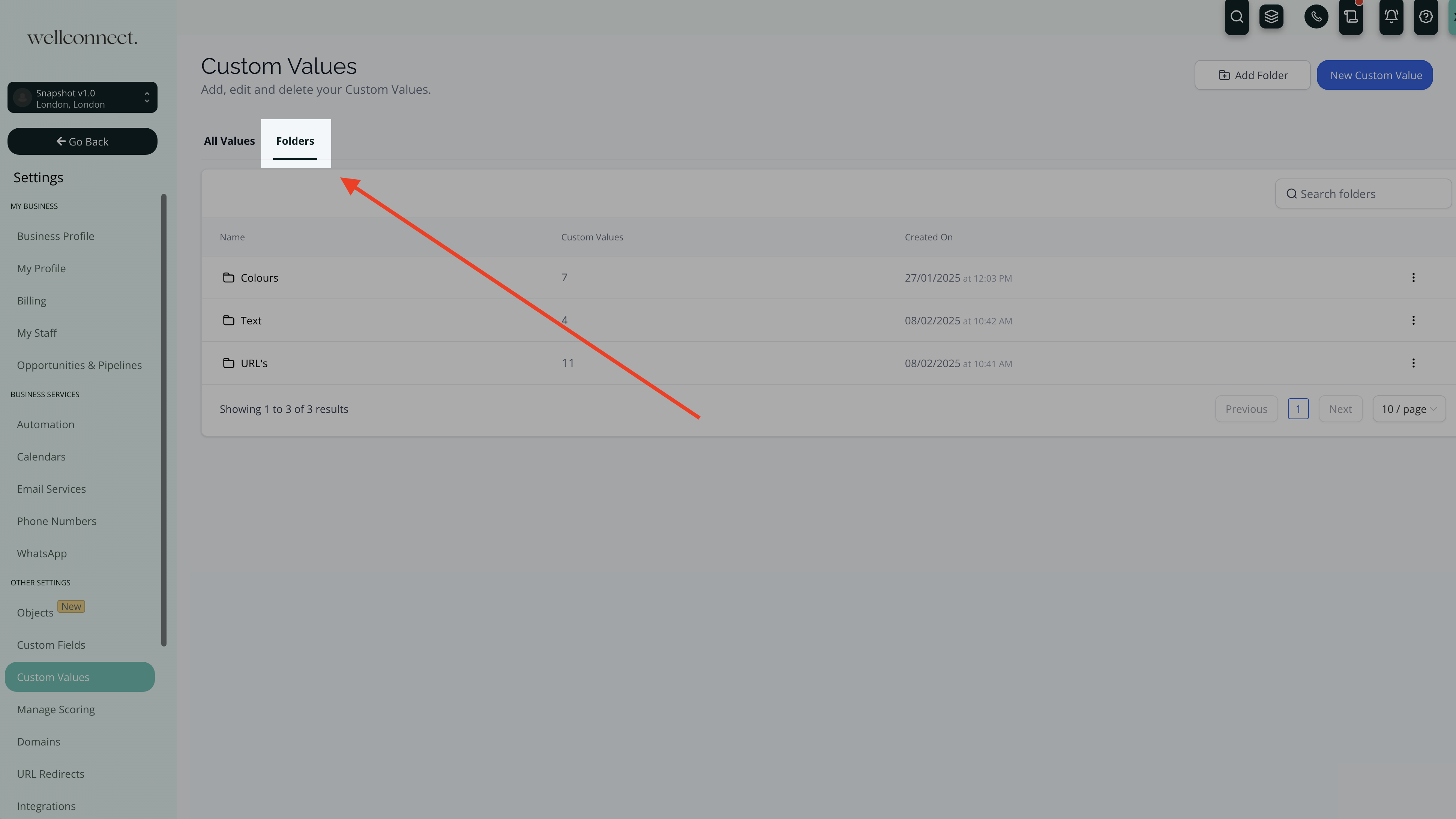
In order to access these specialised custom values, navigate to Settings > Custom Values > Folders. This will take you to the section where you can manage and apply these custom visual settings effectively.
Was this article helpful?
That’s Great!
Thank you for your feedback
Sorry! We couldn't be helpful
Thank you for your feedback
Feedback sent
We appreciate your effort and will try to fix the article